Most of a working developer's actual GitHub time is spent in private repositories — company code, personal projects, client work. RepoKit's full feature set extends there, gated behind a single, narrowly-scoped personal access token that you connect once.
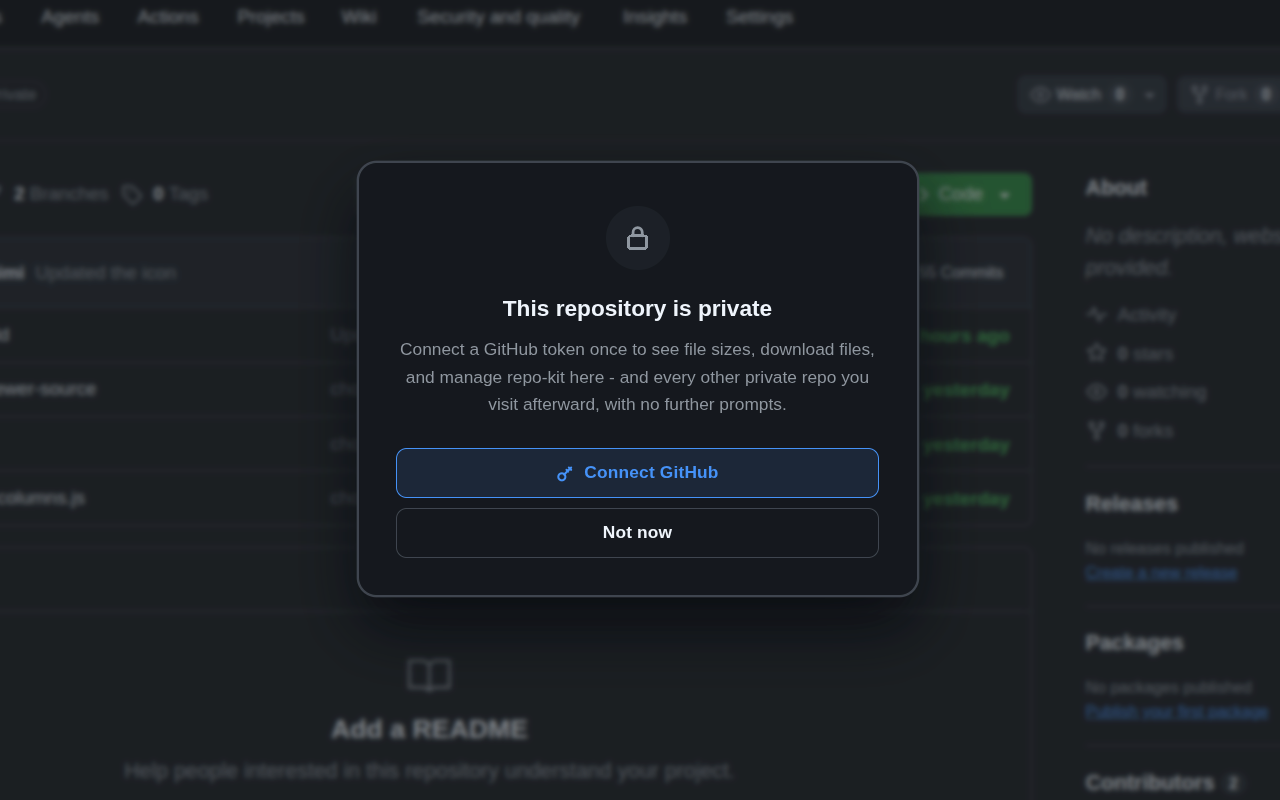
Public repositories are, by definition, readable by anyone — GitHub's API serves their tree and file data without authentication, which is why every RepoKit feature works immediately on a public repo with no setup. Private repositories are the opposite: GitHub's API refuses to return anything about them unless the request carries valid authentication proving you have access. There's no way around this, and there shouldn't be — it's the same boundary GitHub itself enforces everywhere.
So when RepoKit encounters a private repository it doesn't yet have credentials for, it shows a clear, dismissible prompt: connect a GitHub personal access token, or continue without it (in which case RepoKit simply stays quiet on that repo rather than showing broken or partial data).
Clicking "Connect GitHub" walks you through GitHub's own token-creation page with the correct minimal scope pre-selected — read-only repository access, nothing more. Paste the generated token back into RepoKit (or, on supported flows, it's detected automatically from your clipboard) and every feature — file sizes, line counts, search, folder and file downloads, copy-to-clipboard, duplicate detection — immediately activates on that repo and every other private repo your account can already see.
This matters enough to state plainly: RepoKit has no backend server. There is nothing to send your token to even in principle. It's stored locally in Chrome's extension storage on your own device and used only to attach an authorization header to requests your browser sends directly to api.github.com — the exact same request pattern as if you'd typed the API call yourself with curl. No RepoKit-operated infrastructure ever sees it, logs it, or has the ability to.
Because the token is a normal GitHub personal access token, you're never dependent on RepoKit to remove it — revoking it from your GitHub account's developer settings instantly cuts off access, exactly as it would for any other tool or integration using a token.
chrome.storage.local) on your own machine — it's never sent anywhere except directly to GitHub's API as an authorization header on requests you initiate. RepoKit has no server of its own to send it to even if it wanted to; there is no backend in this architecture.Connect a token once — read-only, revocable anytime — and RepoKit works everywhere you already have access.
Add RepoKit to Chrome — it's free Repo
Repo