Large repositories accumulate repeated filenames quietly — a stray copy, a monorepo convention, a build artifact that shouldn't have been committed. RepoKit flags every one of them with a small badge, so patterns that would otherwise take a manual search to notice are visible immediately.
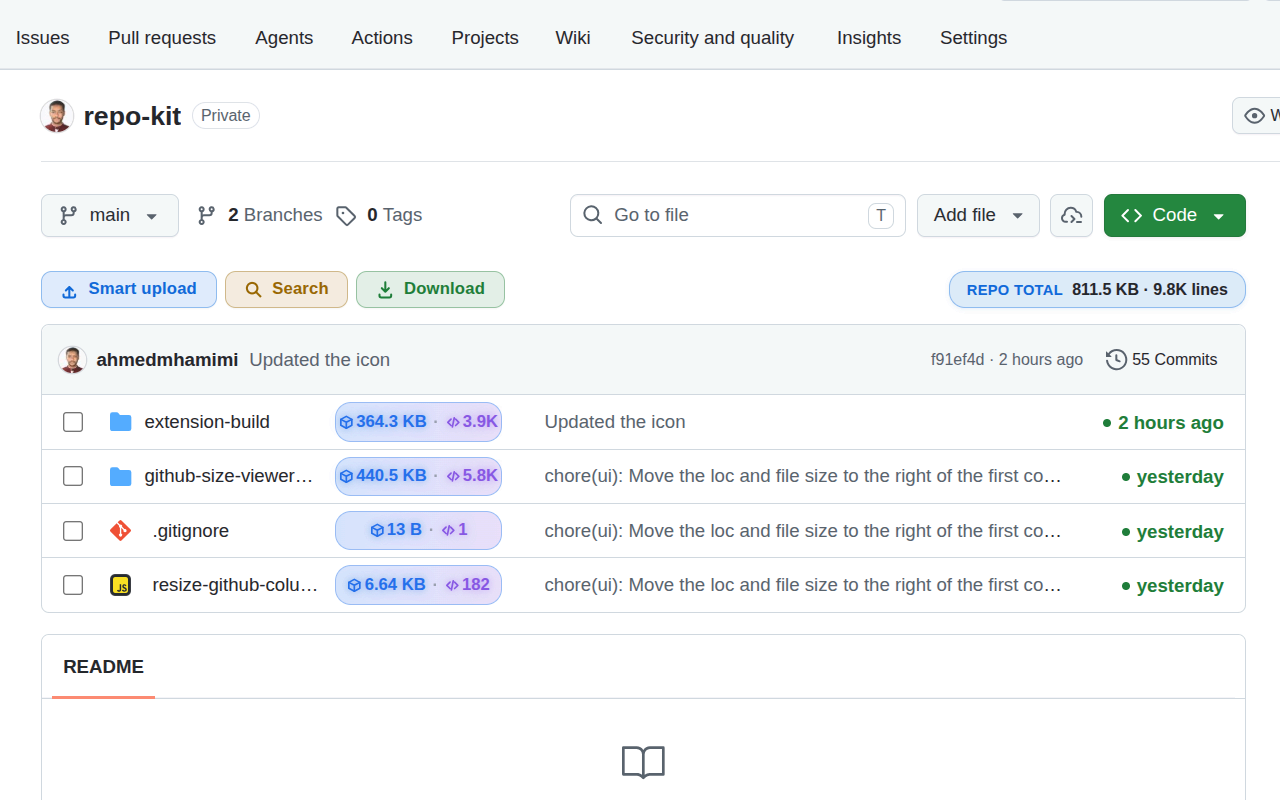
GitHub's default file browser shows you one folder at a time, by design — which means there's no native way to notice that helpers.py exists in four different places in the same repository unless you happen to stumble across all four independently. In a small project that's rarely an issue. In a large one — a monorepo, a long-lived codebase that's been refactored many times, a project with inconsistent naming conventions across teams — repeated filenames pile up quietly, and some of them represent real problems: a leftover copy that should have been deleted, a build artifact accidentally committed alongside its source, or genuinely confusing naming that will trip up the next person who opens the repo.
RepoKit surfaces this automatically. As it indexes the repository tree (the same pass that powers file sizes and search), it also tracks every basename it encounters. Any filename appearing more than once gets a small numbered badge — ×2, ×3, and so on — right next to it in the listing, with no extra step required to see it.
Clicking a duplicate badge opens a focused view listing every other path in the repository sharing that filename, so you can jump directly between all of them — comparing a suspected leftover copy against the "real" version, or simply confirming a monorepo's per-package convention is behaving as expected rather than accidentally colliding.
This is filename-based detection, not content comparison — RepoKit isn't diffing file contents to find byte-identical copies, it's surfacing name collisions, which is a distinct and arguably more actionable signal: two files with the same name in a repository are worth a human glance regardless of whether their contents match, because either the naming is intentional (fine) or it's an accident worth cleaning up (useful to know).
config.ts) anywhere in the repository, regardless of which folder they live in. It doesn't compare file contents, so two different files that happen to share a name will be flagged the same way as two genuinely identical copies.index.ts or README.md, a project that accidentally committed both a source and a build output copy of the same file, or simply a large codebase where the same conventional filename (like utils.py or constants.js) gets reused in multiple modules.RepoKit flags every duplicated filename automatically, with a click-through to every location it exists.
Add RepoKit to Chrome — it's free Repo
Repo